Microsoft Office 2003
Classic generation of Office
Windows 2000 SP3 or Windows XP (historical requirements)

Not specified
Perpetual licenseSupport has ended
ARCHIVE
Features and compatibility; no direct installer available
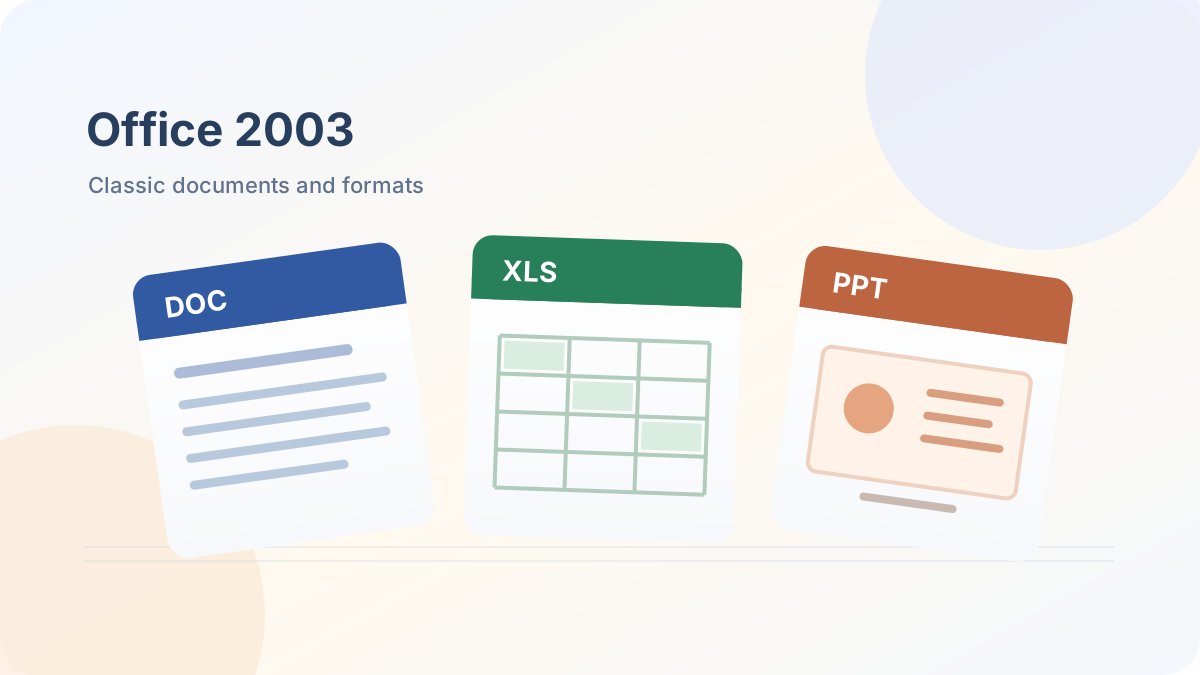
Classic Office for older documents. Use original installation media and a valid license for the exact edition. Office 2003 is unsupported; this catalog provides guidance and does not host an installer.
Check file availabilityVERSIONS AND ACCESS
Classic generation of Office
Word, Excel and Outlook; without PowerPoint
Word, Excel, PowerPoint, and Outlook
Expanded edition for Windows
Enterprise edition
Existing licensed installations; direct downloads where available
COMPATIBILITY
Support for Office 2003 ended in April 2014. Information about older operating systems does not mean they are safe to connect to the internet.
FEATURES
Word, Excel and PowerPoint commands are organized in menus and toolbars. The interface differs from the ribbon introduced in Office 2007.
Word 2003 uses DOC by default. Before converting an archive to DOCX, keep an original copy and compare formatting.
Excel 2003 uses the XLS format. When transferring large or complex workbooks, check formulas, macros and the limitations of the older format.
PowerPoint 2003 saves presentations as PPT. After converting to PPTX, check animations, fonts, and object positions.
Standard, Professional and other editions differed in included applications and licensing channels. Choose installation media that matches your license exactly.
Service Pack 3 was the last major update package for Office 2003. It updates an existing Office installation and does not replace the installation disc.
Older Office used a separate Compatibility Pack to work with DOCX, XLSX, and PPTX files. Modern versions of Office can also open older DOC, XLS, and PPT files.
Transfer copies of documents and check their contents in a supported Office version, especially macros, forms and complex layouts.
HELP CENTER
No direct installer is currently available. — No verified direct English installer is currently listed for this option. Download is disabled; an account, store or installation-guide page is not used as a replacement file. Existing licenses and activation arrangements remain separate.
Access and activation are determined by Microsoft and your existing entitlement. — Use the Microsoft account, work or school account, subscription or perpetual license that covers the selected product and edition. Downloading an installer or opening a guide does not grant a license.
Choose the language through the official installation or app settings. — For an existing legacy installation, use language options supported by that release and your licensed media. A modern language pack may not work with older Office versions.
Use the installation path for your actual device and license. — Check the official system requirements, platform, edition and architecture before installation. On Windows, confirm compatibility with existing Office apps and add-ins. Windows installation media cannot be installed on macOS or mobile devices.
Use this release only for a specific legacy task. — Support ended long ago, and newer DOCX, XLSX and PPTX files may require additional compatibility checks. Choose a supported Office for everyday work.