Microsoft 365 Personal
Individual plan
Windows 11

macOS 14, 15, 26

One of the four latest major Android versions

English
SubscriptionFor personal use
FOR HOMEOpen
Direct English installers where available
Choose Microsoft 365 for yourself, your family, or your organization. Compare desktop application entitlements, accounts, and installation procedures for PC, Mac, and mobile devices.
Choose a fileVERSIONS AND ACCESS
Individual plan
Family plan
Business plans
Plans for organizations
Desktop and web applications
Apps and web access for Mac
COMPATIBILITY
Exact requirements depend on the app, platform, plan and organization policy.
FEATURES
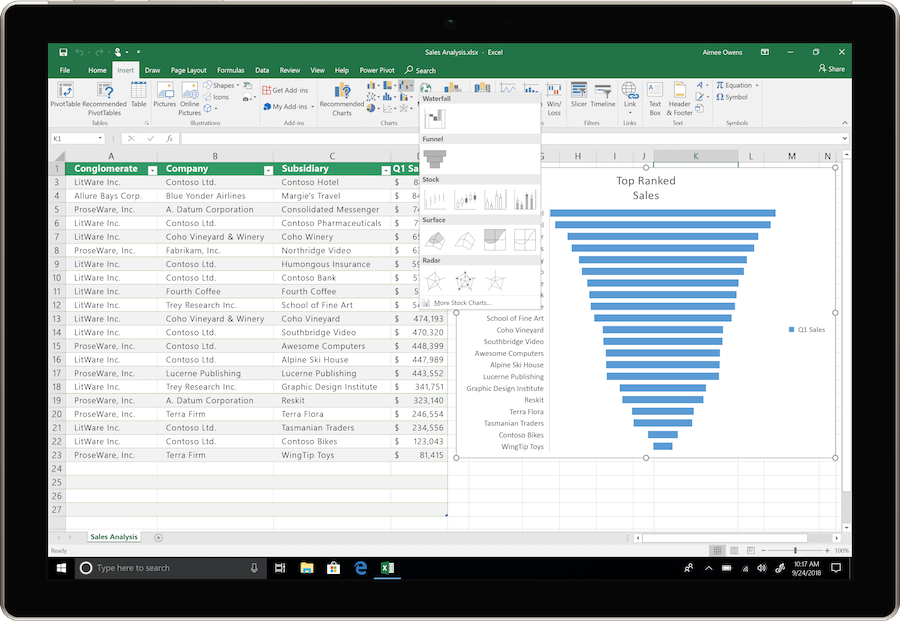
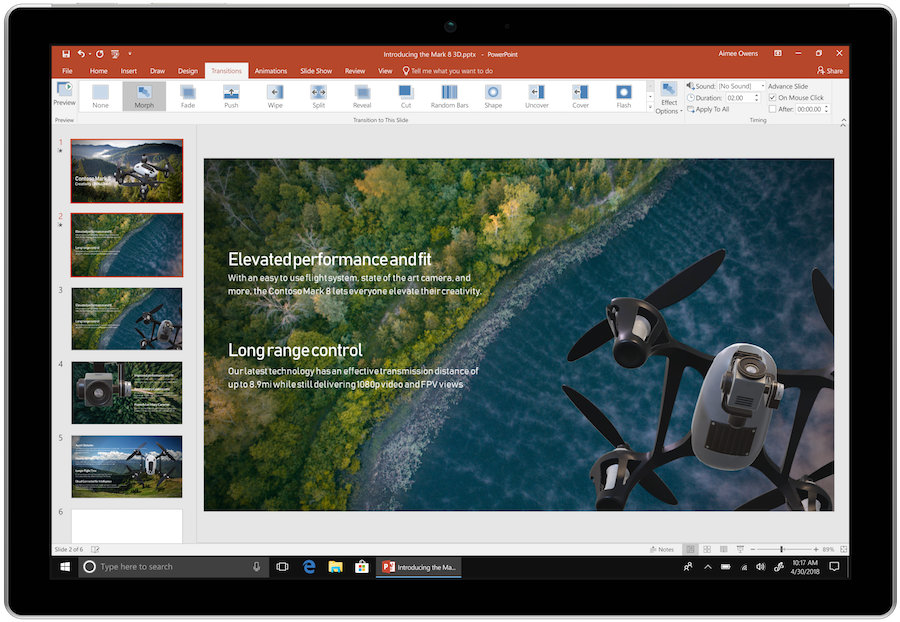
Word, Excel and PowerPoint are available in desktop, web and mobile versions.
Personal is for one user and includes 1 TB of OneDrive. The plan is suitable for your own documents and work across devices; it cannot be shared with other users.
Business Basic, Standard, and Premium include business email and user management. The desktop applications and security features included vary by plan.
Collaborate on OneDrive and SharePoint documents in supported apps. Participants see changes in the shared file instead of collecting separate copies by email.
Return to a previous version of a document saved in OneDrive or SharePoint. This helps undo unwanted changes after your own or collaborative editing.
Plans with desktop apps receive new features throughout the subscription. Availability depends on the platform, update channel and organization settings.
Family lets the owner share the subscription with five other people. Each person uses their own account and receives separate cloud storage.
Use the text, analysis and presentation tools available with your plan. AI features have access conditions and limits; capabilities vary by license.
Installed Word, Excel and PowerPoint let you edit local files without internet access. A connection is still required for activation, subscription checks and cloud features.
With work plans, use shared files and SharePoint sites for departmental materials. Access settings and permissions let you give employees the appropriate level of participation.
HELP CENTER
Choose the subscription type first. — Official installer sources differ by plan, platform and architecture. Use of the desktop apps depends on the subscription assigned to the individual account.
Access and activation are determined by Microsoft and your existing entitlement. — Use the Microsoft account, work or school account, subscription or perpetual license that covers the selected product and edition. Downloading an installer or opening a guide does not grant a license.
A free download does not mean a free subscription. — The files and the right to use paid features are separate. Before installing, check that your subscription is active or that your organization has assigned a license.
Annual Office releases and Microsoft 365 are licensed differently. — A one-time-purchase Office 2024 key does not become a Microsoft 365 subscription. Choose an installation option that matches your usage rights.
Back up your documents and confirm the release’s requirements and support status. — Check Microsoft’s current requirements and lifecycle information for the exact release. A working download link does not establish support or compatibility.