Microsoft 365 Personal
Individual plan
Windows 11

macOS 14, 15, 26

One of the four latest major Android versions

English
SubscriptionFor personal use
FOR HOMEDownload
Direct English installers where available
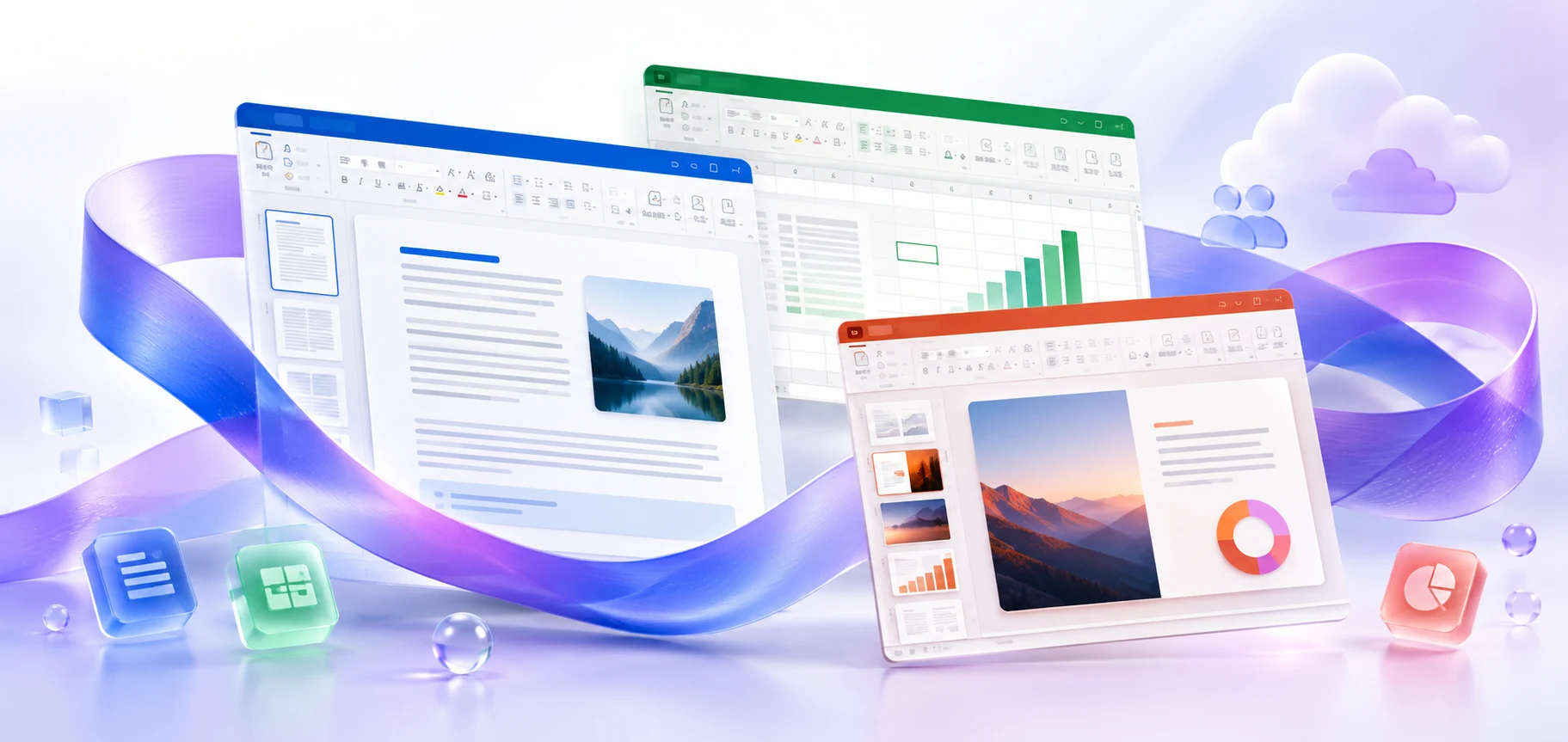
Microsoft 365 Personal for one person: desktop and mobile applications, signing in on your own devices, checking your subscription, and preparing for installation.
VERSIONS AND ACCESS
Individual plan
COMPATIBILITY
Exact requirements depend on the app, platform, plan and organization policy.
FEATURES
Individual access to subscription applications. Use your account for documents and settings on your computer, phone, and tablet without sharing the license with other people.
Personal OneDrive cloud storage. Keep documents and photos in your own cloud space and open them from connected devices using one account.
Sign in on five devices at once: computers, phones, and tablets. Continue using your subscription across devices, saving personal documents in a cloud location you can access.
Included AI features are available within the plan's limits. Use supported applications' assistance with text, spreadsheets and presentations; the toolset depends on platform and language.
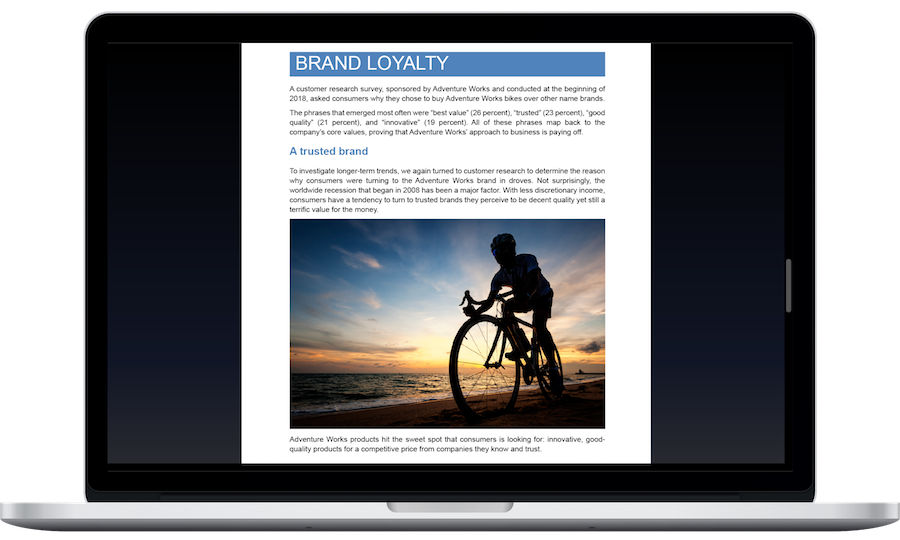
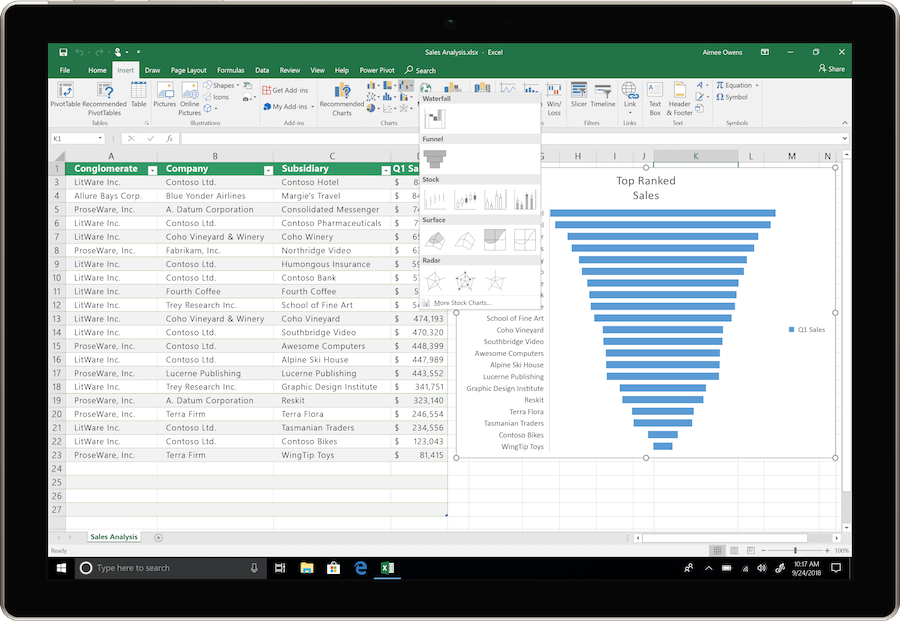
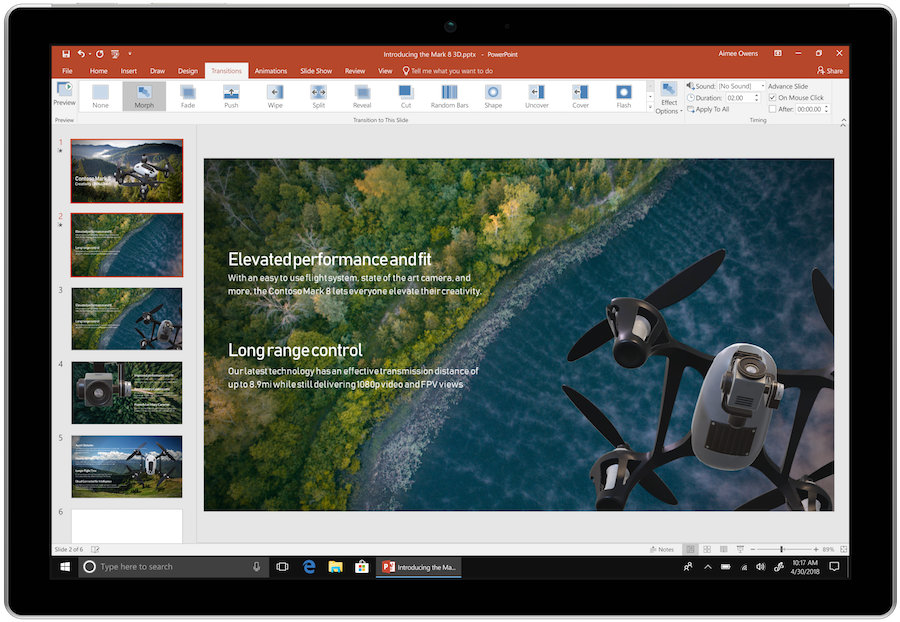
Create Word documents, Excel workbooks and PowerPoint presentations on PC or Mac. Local files can be edited without a continuous internet connection.
Share a OneDrive file to work with others in supported applications. Changes are collected in the shared document without exchanging new attachments.
Bring multiple email accounts together and plan events in Outlook. View correspondence and schedules in one workspace.
Receive new desktop app features while your subscription is active. Availability depends on the platform, language, region, and installed update.
Microsoft Defender helps you monitor protection on supported devices and receive notifications. The security features available depend on the operating system and region.
HELP CENTER
Enabled downloads lead directly to verified installer files. — Use an enabled Download button for Mac, Windows to retrieve the matching English installer directly from the official publisher. Check the selected product and license before installation. Account, store and guide pages are not offered as downloads.
Access and activation are determined by Microsoft and your existing entitlement. — Use the Microsoft account, work or school account, subscription or perpetual license that covers the selected product and edition. Downloading an installer or opening a guide does not grant a license.
Choose the language through the official installation or app settings. — Choose English in the available installer or application settings. Display and proofing languages can be configured separately. Language settings for an existing licensed installation do not establish that a new installer download is available.
A free file does not mean Personal is free. — The installer and entitlement to subscription features are separate. Continued use of the desktop apps requires an active subscription or another appropriate entitlement.
Signing in with a work account may hide your personal subscription. — Check the account you used to sign in to Office. A Personal subscription belongs to a personal account, while a work email address may be associated with a different license.