Microsoft 365 Personal
Individual plan
Windows 11

English
SubscriptionFor personal use
FOR HOMEDownload
Direct English installers where available
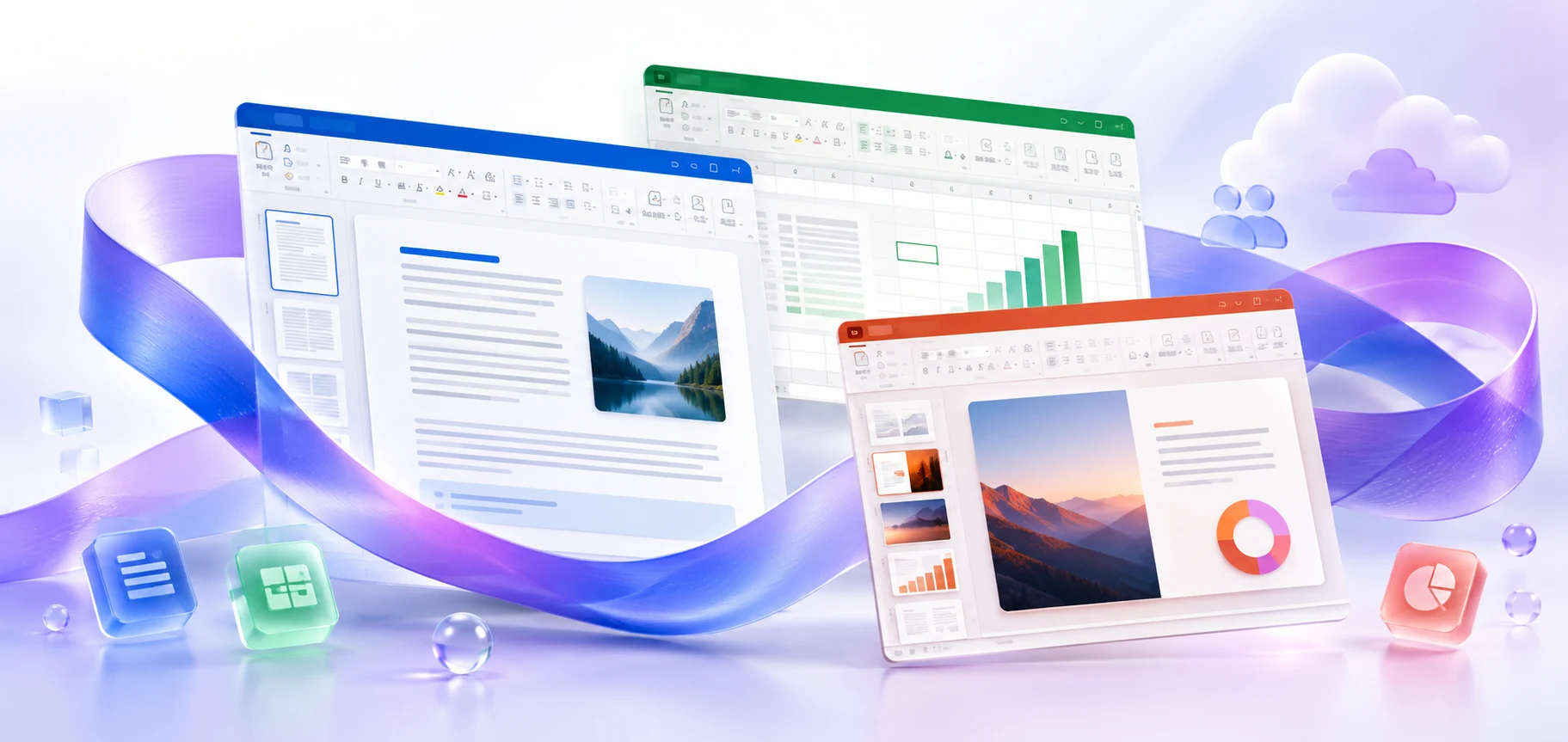
Microsoft 365 on PC: checking your subscription, 32- and 64-bit Office compatibility, preparing your connection, and repairing installed applications.
VERSIONS AND ACCESS
Individual plan
Family plan
Business plans
Plans for organizations
Desktop and web applications
COMPATIBILITY
Exact requirements depend on the app, platform, plan and organization policy.
FEATURES
Word, Excel and PowerPoint can be installed with an eligible subscription plan. Installed apps are suitable for large documents and local files; Business Basic does not include rights to the desktop versions.
OneDrive lets you keep rarely used files in the cloud only. Download a file when you open it, and keep important materials available offline to help manage disk space.
Documents in OneDrive and SharePoint support AutoSave and version history. Changes are saved to the cloud copy as you work, while previous versions help restore the required document state.
Edit a OneDrive or SharePoint document with colleagues in supported apps. Comments and visible changes help you review material in a single copy.
Work with locally saved files in the installed Word, Excel, and PowerPoint. A connection is needed for subscription verification, updates, and synchronization of cloud changes.
Import and transform data in Excel using saved steps. Available connections and editor features differ between Windows and macOS.
Use licensed AI features when preparing documents and presentations. Support depends on the plan, app version, language and organization settings.
Receive new features through the selected Microsoft 365 update channel. In an organization, an administrator may manage the schedule and deployment.
Check the installed Office, Project, Visio, and the add-ins you use before choosing a package.
An online installer downloads components while running; its file size is not the size of Office.
Windows lets you repair the entire Office suite if an individual application stops launching.
HELP CENTER
Enabled downloads lead directly to verified installer files. — Use an enabled Download button for Windows to retrieve the matching English installer directly from the official publisher. Check the selected product and license before installation. Account, store and guide pages are not offered as downloads.
Bitness depends on the system and add-ins. — Both architectures are available, but consider more than just 64-bit Windows: older 32-bit add-ins may require x86 Office.
Choose the language through the official installation or app settings. — Choose English in the available installer or application settings. Display and proofing languages can be configured separately. Language settings for an existing licensed installation do not establish that a new installer download is available.
Offline installation does not remove the need for activation. — Some files provide components for local installation, but subscription verification and periodic connections may be required separately. Check your plan's terms.
When changing bitness, take the installed Office into account. — Check the installed architecture and required add-ins. Before reinstalling, choose a consistent architecture and save documents and app settings.