Microsoft 365 Family
Family plan
Windows 11

macOS 14, 15, 26

One of the four latest major Android versions

English
SubscriptionFamily sharing
FOR HOMEDownload
Direct English installers where available
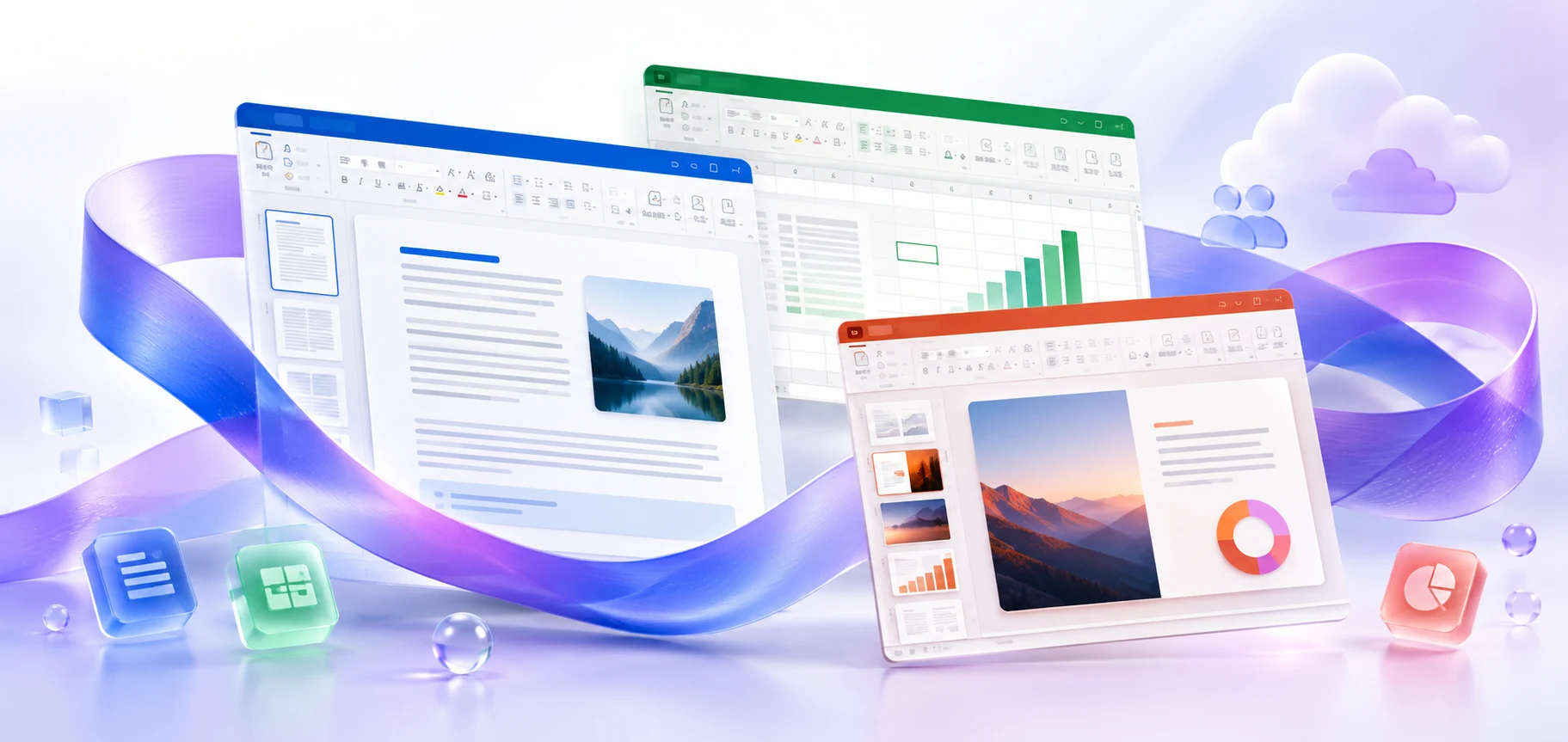
Microsoft 365 Family for six people: invite members, use separate accounts and install apps on each user's devices.
VERSIONS AND ACCESS
Family plan
COMPATIBILITY
Exact requirements depend on the app, platform, plan and organization policy.
FEATURES
The owner can invite five other users. Each invited member uses the apps with their own account, so the family does not need to share one login.
Members use their own accounts and files. Sharing a subscription does not automatically grant access to another member's documents: files can be shared separately.
Each participant receives 1 TB of OneDrive. Storage is allocated separately to each user rather than combined into a shared family drive; documents and photos remain in personal storage.
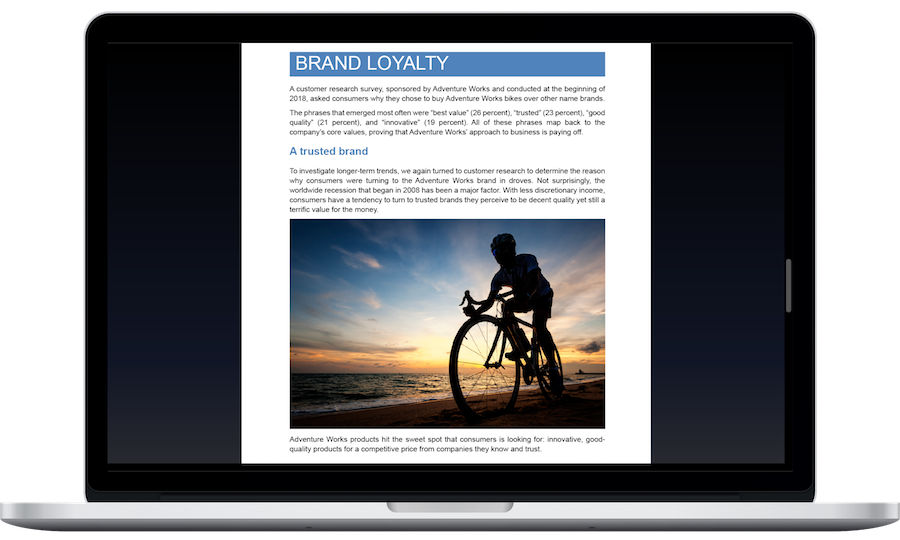
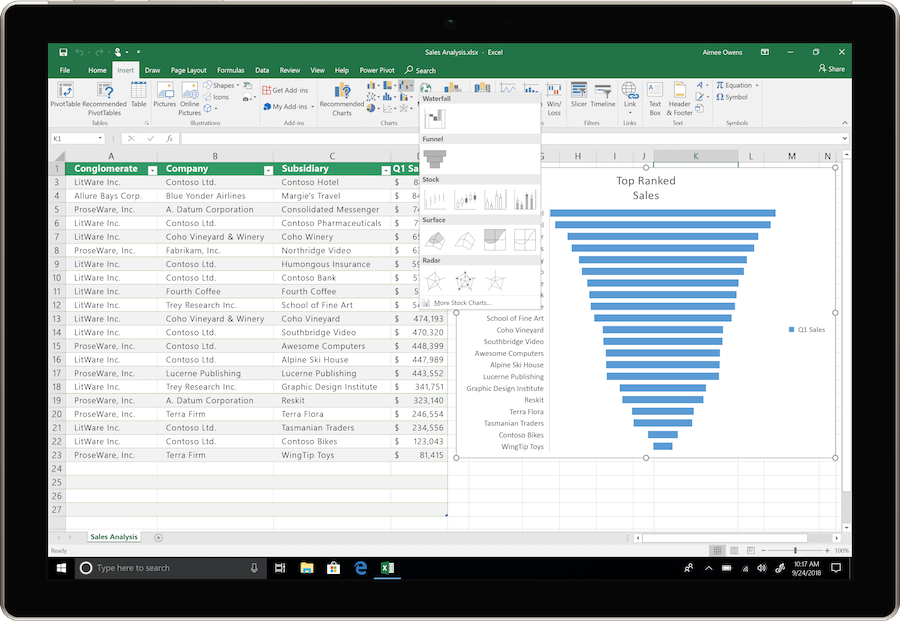
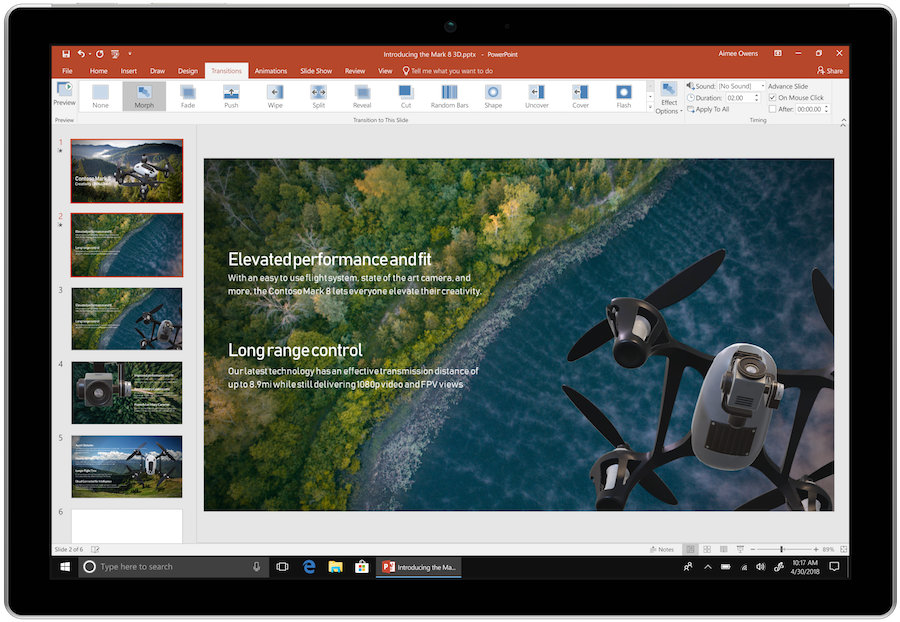
Create Word documents, Excel workbooks and PowerPoint presentations on PC or Mac. Local files can be edited without a continuous internet connection.
Share a OneDrive file to work with others in supported applications. Changes are collected in the shared document without exchanging new attachments.
Bring multiple email accounts together and plan events in Outlook. View correspondence and schedules in one workspace.
Receive new desktop app features while your subscription is active. Availability depends on the platform, language, region, and installed update.
Microsoft Defender helps you monitor protection on supported devices and receive notifications. The security features available depend on the operating system and region.
Each participant can be signed in to applications on five devices at once. Use your own computer, phone and tablet with your account.
HELP CENTER
Enabled downloads lead directly to verified installer files. — Use an enabled Download button for Mac, Windows to retrieve the matching English installer directly from the official publisher. Check the selected product and license before installation. Account, store and guide pages are not offered as downloads.
Family differs from Personal in the number of users. — The file can be used for installation, but rights are granted to members through invitations and their own accounts. Sharing the owner's password is unnecessary.
Choose the language through the official installation or app settings. — Choose English in the available installer or application settings. Display and proofing languages can be configured separately. Language settings for an existing licensed installation do not establish that a new installer download is available.
Use the installation path for your actual device and license. — Check the official system requirements, platform, edition and architecture before installation. On Windows, confirm compatibility with existing Office apps and add-ins. Windows installation media cannot be installed on macOS or mobile devices.
Back up your documents and confirm the release’s requirements and support status. — Check Microsoft’s current requirements and lifecycle information for the exact release. A working download link does not establish support or compatibility.