Microsoft Office 2016
Archived generation of Office
Windows 7, 8.1, 10, 11

English
Perpetual licenseWindows support: October 2025; Mac: October 2020
ARCHIVEDownload
Direct English installers where available
Choose a legacy Office 2016 edition for Windows according to the applications you need: a home suite, Professional with Access and Publisher, or corporate Standard. Check the file format and system support.
Choose a fileVERSIONS AND ACCESS
Archived generation of Office
Word, Excel and PowerPoint for personal tasks
Home and commercial use
Expanded retail suite for Windows
Basic enterprise release
Advanced enterprise release
COMPATIBILITY
Support for Office 2016 has ended. The stated requirements relate to the release period and do not mean that connecting an outdated system to the internet is safe.
FEATURES
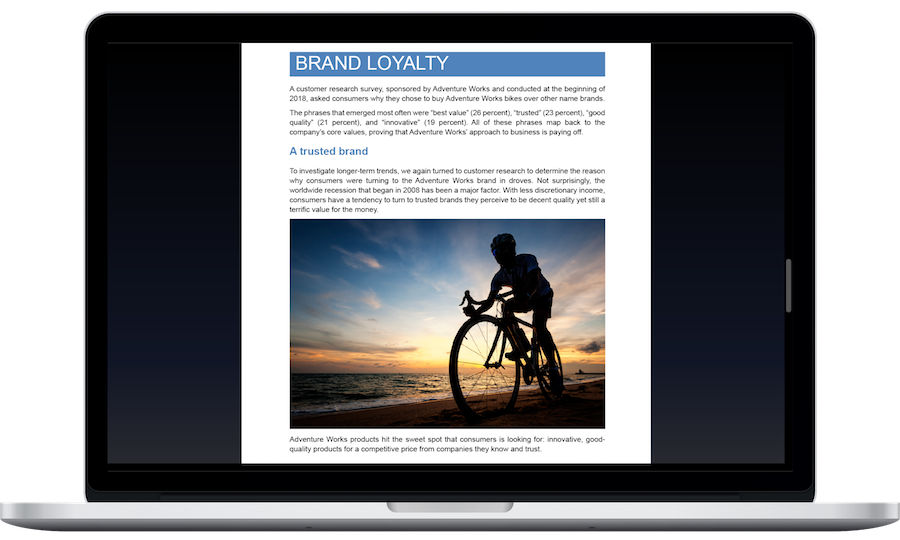
Open text-based PDFs for editing and then save them in Word or PDF format.
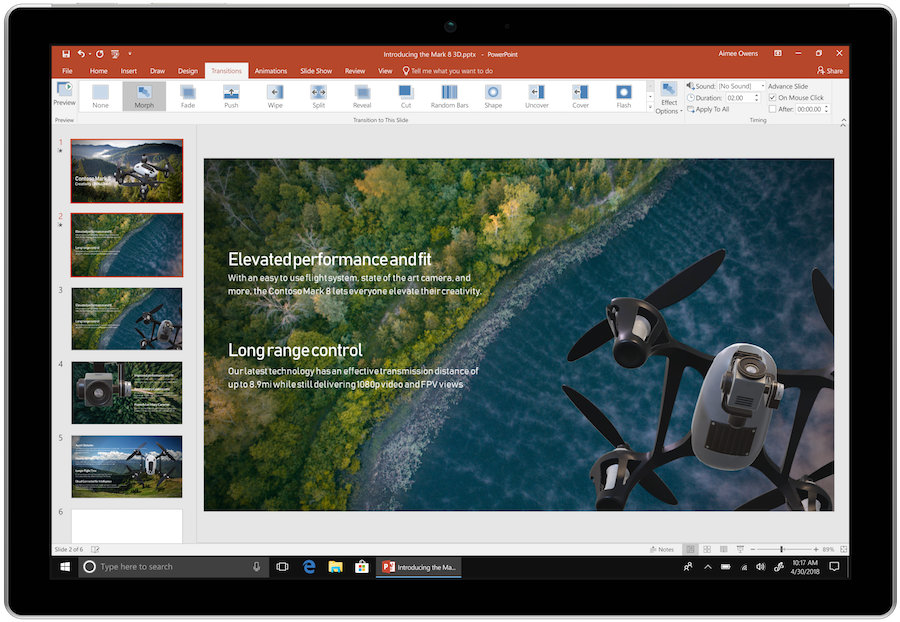
Share a PowerPoint slideshow as MP4 or WMV with recorded narration. Viewers can watch it in a video player even without PowerPoint.
Accept and reject revisions, combining changes from several copies. This mode helps agree on a shared text and separately check which changes each participant proposed.
Describe an action in the Tell Me field to find the relevant tool. This is useful for rarely used commands whose position on the ribbon is unfamiliar.
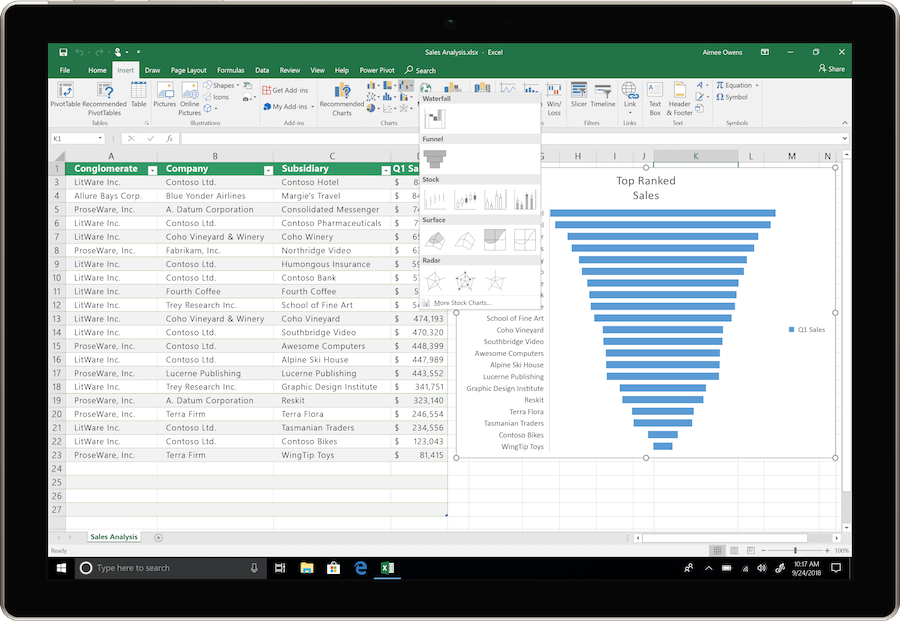
Use waterfall, histogram and other added chart types. They help show the contribution of individual amounts, value distributions and data structure.
Connect and transform data through Get & Transform in Excel for Windows. Recorded cleaning steps can be repeated when the source is refreshed.
When a document is stored in a supported cloud location, coauthors can work on it simultaneously. This applies to Word 2016 and requires a suitable connection and account.
Use themes and styles for consistent fonts, colors and headings. Shared formatting tools help you prepare matching documents and presentations for a project.
HELP CENTER
Enabled downloads lead directly to verified installer files. — Use an enabled Download button for Windows to retrieve the matching English installer directly from the official publisher. Check the selected product and license before installation. Account, store and guide pages are not offered as downloads.
Windows 11 is supported — Check Microsoft’s compatibility guidance for your existing Office 2016 installation. Support for Office 2016 ended in October 2025; installing it on a newer Windows release does not restore security updates.
Legacy compatibility — Windows 7 was compatible with this release, but support for both Windows 7 and Office 2016 has ended. For a PC that is regularly connected to the internet, choose a supported operating system and Office release.
Do not mix architectures — 32-bit and 64-bit Office components conflict when installed together. If you need x86 for an older add-in, first uninstall the existing x64 package, then choose a file for the same licensed edition in the x86 architecture.
Back up your documents and confirm the release’s requirements and support status. — This release is no longer supported. Use it only where a licensed legacy workflow requires it, keep backups and plan a move to supported software.