Microsoft Office 2019
Legacy perpetual generation
Windows 10, Windows 11

English
Perpetual licenseWindows support: October 2025; Mac: October 2023
ARCHIVEDownload
Direct English installers where available
Choose the official Office 2019 installation guidance that matches your PC edition and license. Check architecture and add-in compatibility; support for this release has ended.
Choose a fileVERSIONS AND ACCESS
Legacy perpetual generation
Word, Excel and PowerPoint for personal tasks
Home and commercial use
Expanded retail suite for Windows
Basic enterprise release
Advanced enterprise release
COMPATIBILITY
Support for Office 2019 has ended. The stated requirements relate to the release period and do not mean that connecting an outdated system to the internet is safe.
FEATURES
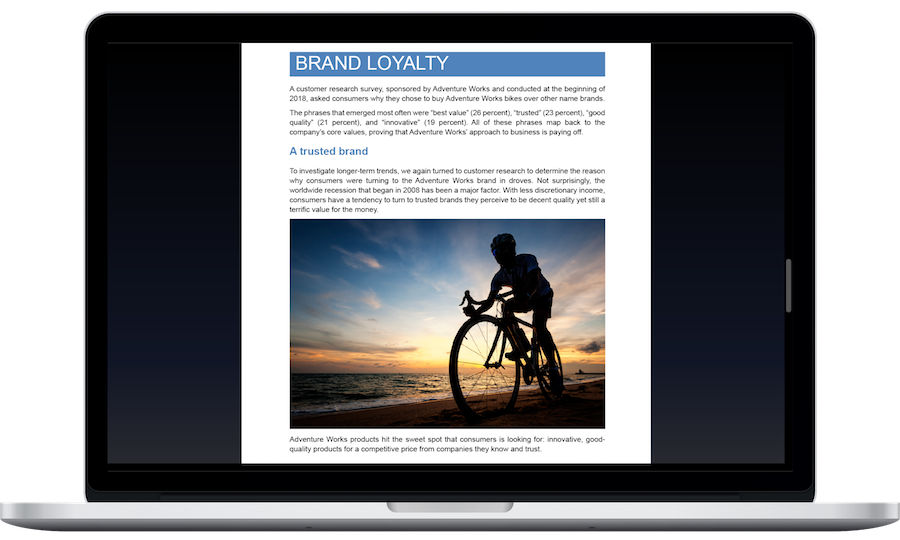
Use Read Aloud and text display settings. Choose comfortable display options and listen to check wording or follow longer material by ear.
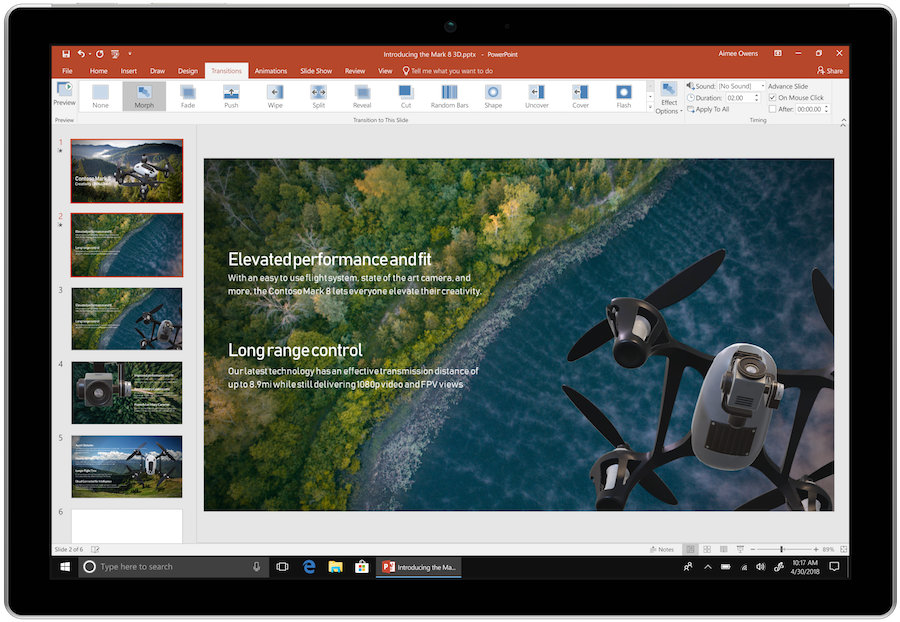
Link object positions on adjacent slides with the Morph transition. Moving and changing objects helps show how a diagram develops or shift the emphasis without an abrupt slide change.
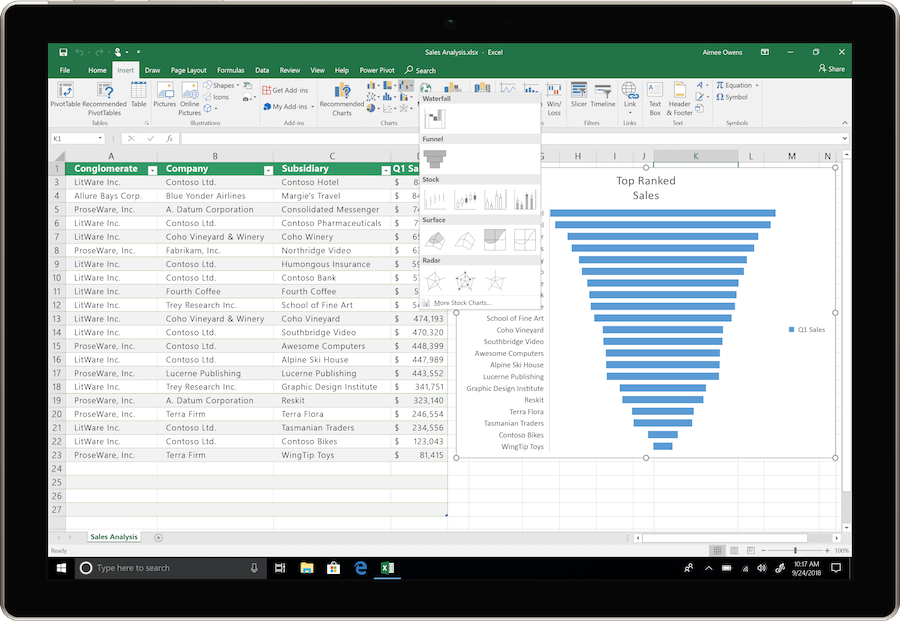
Use TEXTJOIN, CONCAT, and IFS to combine text and evaluate conditions. They simplify assembling labels from multiple cells and formulas that choose a result based on specified conditions.
Use Zoom to create interactive links to sections and slides. This lets you present in response to audience questions and return to the overview slide.
Add scalable graphics to documents and presentations. You can enlarge them for a screen or print without the blurring associated with small raster images.
Place 3D objects in your materials and rotate them to show the required angle. This explains how objects are constructed more clearly than a flat image.
The MAXIFS and MINIFS functions in Excel find maximum and minimum values that meet multiple criteria. For example, you can compare results for a selected department and period.
Import and clean tables in Excel for Windows before calculating. Refreshing applies the saved transformation steps to new data.
HELP CENTER
Enabled downloads lead directly to verified installer files. — Use an enabled Download button for Windows to retrieve the matching English installer directly from the official publisher. Check the selected product and license before installation. Account, store and guide pages are not offered as downloads.
x86 for an older add-in — You can use 32-bit Office on 64-bit Windows. If a required add-in is available only in a 32-bit version, choose x86 of the edition you are licensed for. 32- and 64-bit Office components cannot be installed together.
Choose the language through the official installation or app settings. — Choose English in the available installer or application settings. Display and proofing languages can be configured separately. Language settings for an existing licensed installation do not establish that a new installer download is available.
Use the installation path for your actual device and license. — Check the official system requirements, platform, edition and architecture before installation. On Windows, confirm compatibility with existing Office apps and add-ins. Windows installation media cannot be installed on macOS or mobile devices.
One retail installation — For retail Office 2019 with a one-time purchase, Microsoft specifies one installation. The installer can be downloaded again, but a second PC used simultaneously requires a separate eligible license; check volume edition terms in your agreement.