Microsoft Office 2024 Home
Word, Excel, PowerPoint, and OneNote for home
Windows 11

macOS 14, 15, 26

English
HomeOne-time purchase for one PC or Mac
CURRENTDownload
Direct English installers where available

Office Home 2024 for one PC or Mac: Word, Excel, PowerPoint and OneNote for home and study. Included apps, differences from Home & Business and installation steps.
Choose a fileVERSIONS AND ACCESS
Word, Excel, PowerPoint, and OneNote for home
COMPATIBILITY
Exact requirements depend on the Office 2024 edition, architecture and licensing channel.
FEATURES
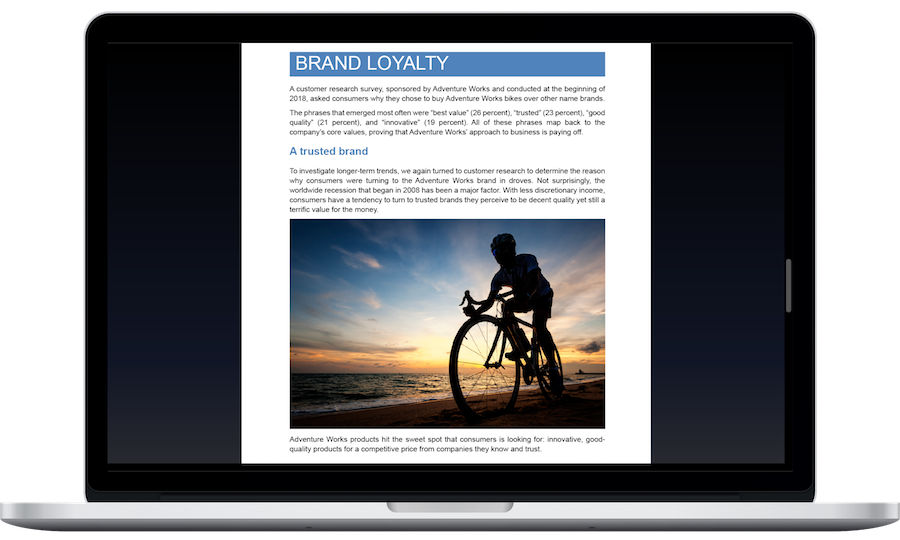
After an unexpected shutdown, Word automatically reopens documents from the previous session, helping you get back to work faster.
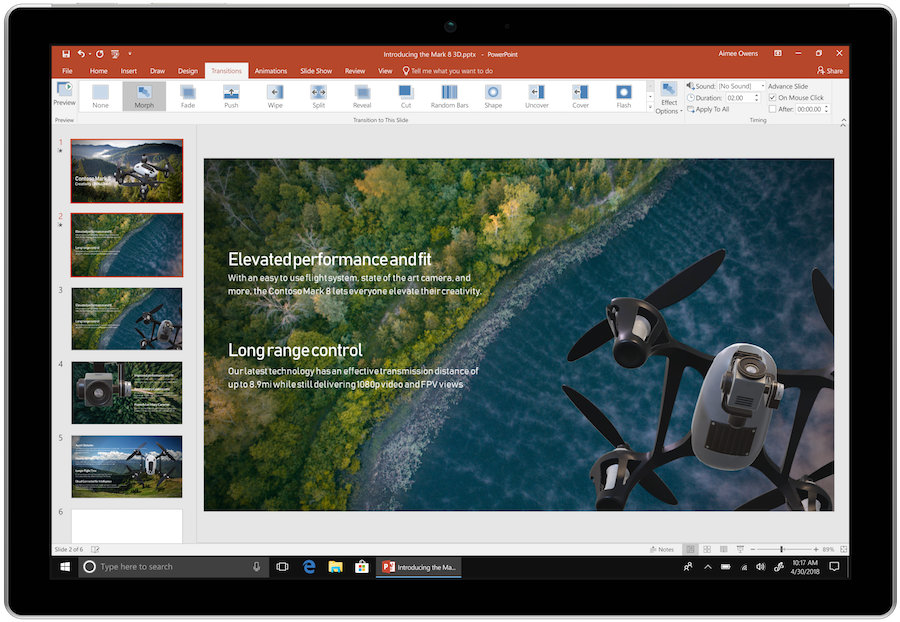
Place a live view of the presenter on a slide with Cameo. The camera feed becomes part of the composition: you can style it and position it next to the material being explained.
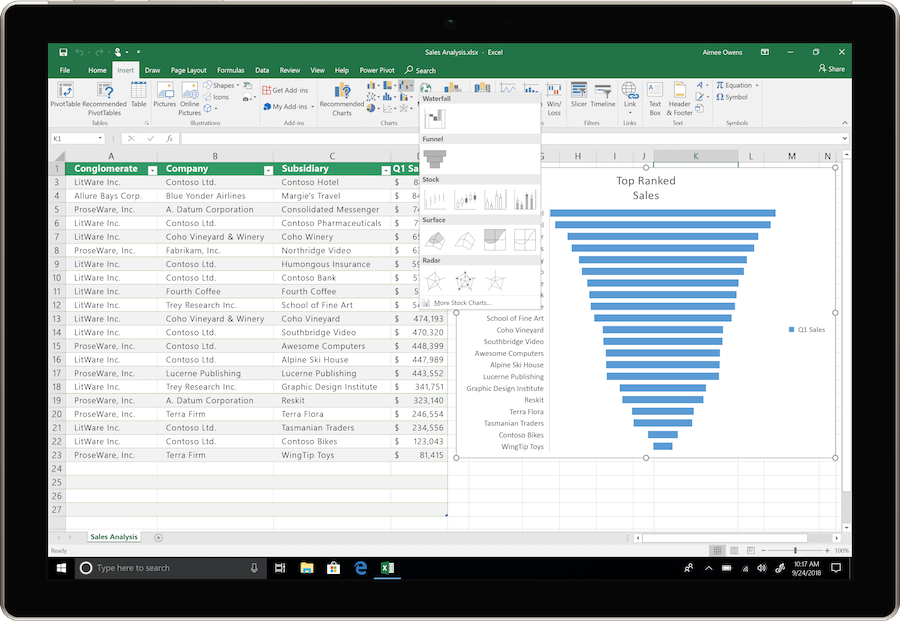
Use new functions to process text and data arrays. Split text strings, combine ranges and select the parts of an array you need, reducing intermediate steps.
Insert images in cells or use the IMAGE function. An image can accompany a table entry so that it stays associated with the data during sorting and filtering.
Link an Excel chart to the result of a dynamic formula. When the number of rows changes, the chart will use the updated data range.
Create named Excel functions from ordinary formulas without VBA. You can reuse a common calculation throughout the workbook by passing it different arguments.
Record a PowerPoint presentation with narration, handwritten annotations and video of the speaker. Export it as a video for viewing without a live presentation.
Find accessibility issues in documents, spreadsheets and presentations with built-in tools. Suggestions help prepare materials for people who read in different ways.
The suite includes Word, Excel, PowerPoint, and OneNote. Outlook is not included in this edition. Prepare documents, spreadsheets, and presentations and take notes; managing email in Outlook requires a separate entitlement to that application.
HELP CENTER
Enabled downloads lead directly to verified installer files. — Use an enabled Download button for Mac, Windows to retrieve the matching English installer directly from the official publisher. Check the selected product and license before installation. Account, store and guide pages are not offered as downloads.
There is no separate x86 file in the catalog. — Before installing on a 32-bit computer, check the official way to obtain the appropriate installer for your purchase.
Choose the language through the official installation or app settings. — Choose English in the available installer or application settings. Display and proofing languages can be configured separately. Language settings for an existing licensed installation do not establish that a new installer download is available.
Use the installation path for your actual device and license. — Check the official system requirements, platform, edition and architecture before installation. On Windows, confirm compatibility with existing Office apps and add-ins. Windows installation media cannot be installed on macOS or mobile devices.
Back up your documents and confirm the release’s requirements and support status. — Check Microsoft’s current requirements and lifecycle information for the exact release. A working download link does not establish support or compatibility.