Microsoft Office 2024
Current perpetual release
Windows 11

English
Perpetual licenseSupported until 9 October 2029
CURRENTDownload
Direct English installers where available
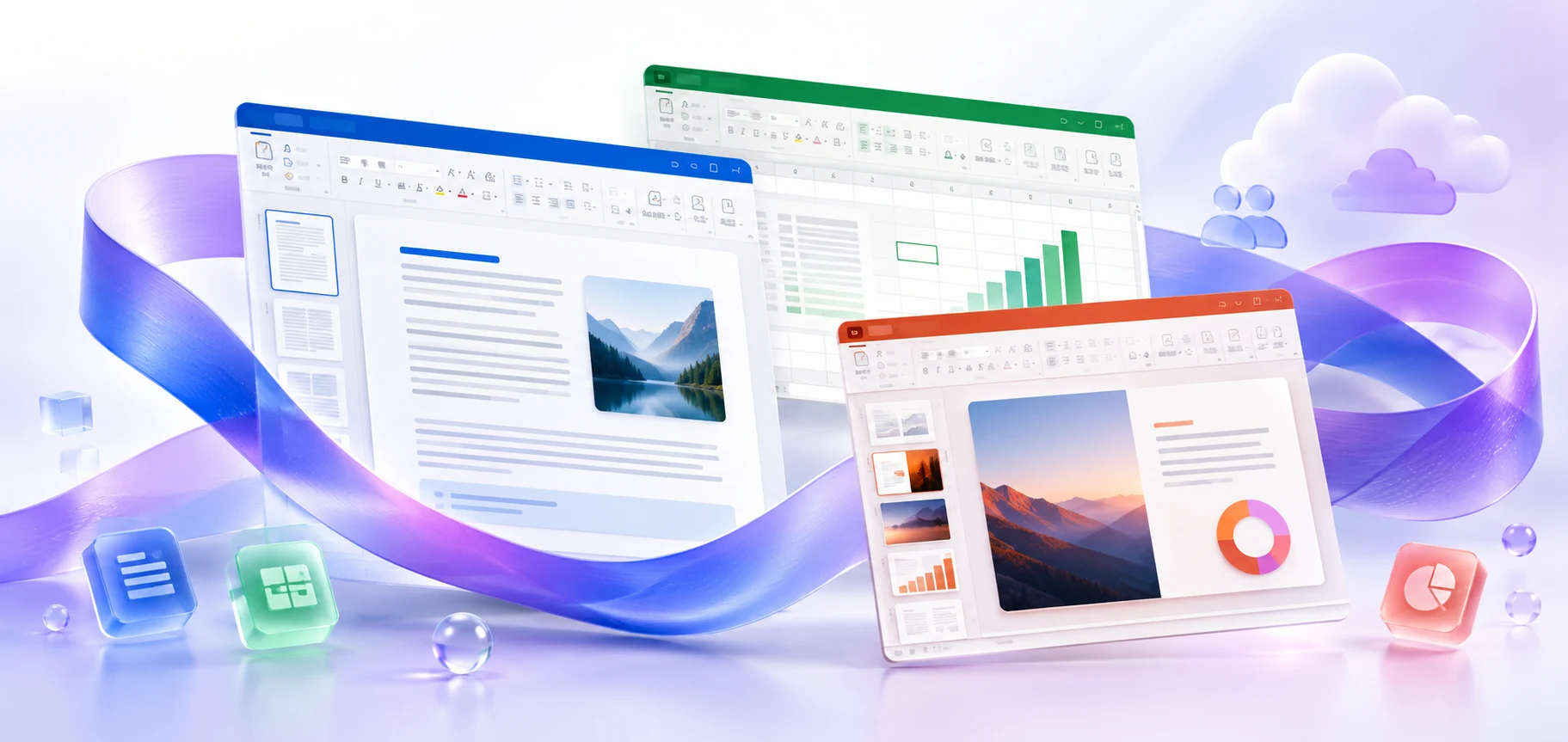
Choose an Office suite for Windows: Microsoft 365, a perpetual release or LTSC. Compare licensing models and package contents; standalone apps are collected in the Windows app catalog.
VERSIONS AND ACCESS
Current perpetual release
Previous perpetual generation
Legacy perpetual generation
Archived generation of Office
An outdated Office generation
An outdated Office generation
An outdated Office generation
COMPATIBILITY
The requirements of different generations of Office vary. For numerical parameters and supported system versions, see the page of the selected product.
FEATURES
Microsoft 365, retail Office and enterprise LTSC use different licensing models. Choose a file that matches your usage rights.
Check the app list and edition name. The presence of Word or Excel in the suite does not mean that it includes every other Office app.
For Windows, choose the package for the required version and architecture. Check the minimum system for the selected file separately from the generation's historical requirements.
If you only need one tool, open the Windows application catalog. The Office suite and a standalone client are different installation options.
HELP CENTER
Enabled downloads lead directly to verified installer files. — Use an enabled Download button for Windows to retrieve the matching English installer directly from the official publisher. Check the selected product and license before installation. Account, store and guide pages are not offered as downloads.
An older 32-bit add-in may require x86 Office. — This installation is possible on compatible x64 Windows, but the architectures of the existing Office and add-ins must be aligned.
Choose the language through the official installation or app settings. — Choose English in the available installer or application settings. Display and proofing languages can be configured separately. Language settings for an existing licensed installation do not establish that a new installer download is available.
Use the installation path for your actual device and license. — Check the official system requirements, platform, edition and architecture before installation. On Windows, confirm compatibility with existing Office apps and add-ins. Windows installation media cannot be installed on macOS or mobile devices.
Back up your documents and confirm the release’s requirements and support status. — Check Microsoft’s current requirements and lifecycle information for the exact release. A working download link does not establish support or compatibility.